

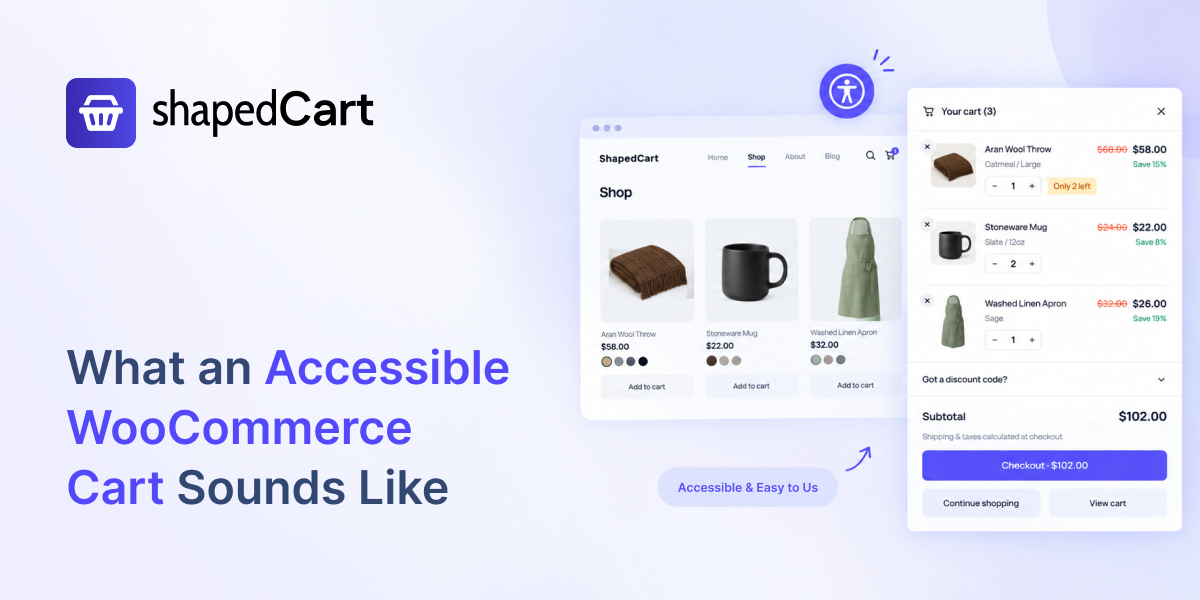
Most store owners have never heard their own cart. They have seen it, tested it, and tweaked its colors. But many shoppers don’t see your store at all. They listen to it.
A screen reader turns a web page into speech. It reads buttons, prices, and messages out loud. If your cart is built well, it sounds clear and calm. If it isn’t, it sounds like silence, or worse, like a locked room.
This article follows one blind shopper through two different WooCommerce carts. Then it shows what makes a cart accessible, and why the law now cares too.
Is My WooCommerce Cart WCAG 2.2 Compliant?
The default WooCommerce cart can be accessible, but many side carts, mini carts, and popup carts added by themes or plugins are not.
A WCAG 2.2 AA compliant cart must work with a keyboard alone, keep focus inside the cart while it is open, close with the Esc key, return focus to where the shopper was, and announce cart changes to screen readers.
The fastest way to know is to test it: put your mouse away, press Tab, and listen with a screen reader such as NVDA or VoiceOver. If you get stuck, lost, or hear nothing when the cart changes, it is not compliant.
Cart One: The Room With No Door
Meet Mary. She is a composite of many real screen-reader users, but her evening is very common. Mary is blind, and wants to buy two birthday gifts for her sister: a scented candle and a ceramic mug.
She finds a lovely home-goods store. She uses the Tab key to move through the page, and her screen reader speaks each item as she lands on it.
“Ceramic mug, 24 euros. Add to cart, button.”
She presses Enter. Somewhere on the screen, a side cart slides open. Sighted shoppers would see it right away. Mary hears nothing.
She presses Tab again. Her screen reader says “Instagram, link.” Then “Privacy policy, link.” Her focus is still on the page behind the cart, moving through the footer. The cart is open, but for her, it doesn’t exist.
She searches with her screen reader’s shortcuts and finally finds something that says “button.” No name. Just “button.” She presses it. It turns out to be the quantity plus sign. Now she has two mugs.
Trying to fix it, she lands on a field that says “edit text, 2.” Not knowing what the field is for, she presses Esc, hoping to close the cart. Nothing happens. Now she is inside a panel she can’t see, can’t name, and can’t leave.
After eleven minutes, Mary closes the browser tab. The store owner will never know why. In their analytics, she is just one more abandoned cart.
Cart Two: “Items in Cart: 2”
The next day, Mary tries another store. Same gifts, same Tab key, same screen reader.
She adds the candle. The cart slides open, and this time she hears it.
“Your cart, dialog. Close cart, button.”
Her focus has moved into the cart on its own. She knows exactly where she is. She presses Tab and hears:
“Remove item, button.” “Quantity, group. Decrease quantity, button, unavailable.” “Quantity, 1.” “Increase quantity, button.”
Every control has a name. The minus button is marked unavailable because she can’t go below one. Nothing is a mystery.
She keeps pressing Tab. When she reaches the last button, the next Tab takes her back to the top of the cart, not into the footer behind it. She can’t get lost.
She presses Esc. The cart closes, and her focus lands back on the “Add to cart” button she pressed earlier. She is right where she left off.
She finds the mug and adds it. Her screen reader says, softly and without interrupting her:
“Items in cart: 2.”
She hears “Got a discount code? Collapsed.” She opens it, types her code, and presses Apply. Then she moves to Checkout. The whole thing takes under three minutes.
Same shopper. Same products. The only difference was how the cart was built, and that difference decided which store got her money.
The Problem: A Widespread Pattern
Mary’s lost order is not a rare edge case. It is a pattern, and since June 2025 it can also be a legal one.
The audience is huge. The World Health Organization estimates that at least 2.2 billion people live with a near or distance vision impairment. Not all of them use screen readers. But many use zoom, high contrast, or a keyboard instead of a mouse, and they all depend on the same accessible building blocks.
Online shops are among the worst offenders. The 2026 WebAIM Million report tested the top one million home pages and found WCAG failures on 95.9% of them. Shopping sites averaged 71 detected errors per page, 26.6% worse than the average website.
Two of the most common errors hit carts directly: missing form labels (on 51% of pages) and empty buttons with no name (on 30.6% of pages). That is exactly the “button” and “edit text, 2” Mary heard.
The Legal Standard: EAA and WCAG 2.2 AA
The European Accessibility Act made it law. The EAA (Directive (EU) 2019/882) has applied since 28 June 2025, and e-commerce is one of the services it names. If you sell to consumers in the EU through a website or app, your store is in scope, even if your business is based outside Europe.
In practice, conformance is shown through the European standard EN 301 549, which points to WCAG Level AA. Each EU country sets its own penalties and complaint process.
There is one main exemption. Microenterprises that provide services, meaning fewer than 10 staff and no more than €2 million in annual turnover or balance sheet, are outside the service rules. But growing stores cross that line quickly, and an exemption does not bring back the shoppers you lose.
Why WCAG 2.2 and not 2.1? WCAG 2.2 became a W3C Recommendation in October 2023. It keeps everything in 2.1 and adds new criteria, several of which matter for carts, such as focus not being hidden behind other elements and minimum tap target sizes.
Building your cart to WCAG 2.2 AA covers what the EAA’s standard asks for today and prepares you for the next update.
What an Accessible WooCommerce Cart Must Do
A side cart or popup cart is a dialog: a small window that opens on top of the page. WCAG has clear rules for how dialogs should behave, and every moment in Mary’s good experience maps to one of them.
| What the cart does | What the shopper experiences | WCAG 2.2 criterion |
|---|---|---|
| Announces itself as a dialog with a name | Hears “Your cart, dialog” and knows where they are | 4.1.2 Name, Role, Value (A) |
| Moves focus into the cart when it opens | Starts inside the cart, not lost on the page behind it | 2.4.3 Focus Order (A) |
| Keeps Tab and Shift+Tab inside the open cart (focus trap) | Can’t wander into the hidden page by mistake | 2.4.3 Focus Order (A) |
| Closes with the Esc key | Is never stuck inside the cart | 2.1.1 Keyboard (A), 2.1.2 No Keyboard Trap (A) |
| Returns focus to the button that opened it | Picks up exactly where they left off | 2.4.3 Focus Order (A) |
| Announces changes like “Items in cart: 2” through a live region | Knows an item was added without moving focus | 4.1.3 Status Messages (AA) |
| Gives every button and field a clear name | Hears “Decrease quantity”, not just “button” | 4.1.2 Name, Role, Value (A), 3.3.2 Labels or Instructions (A) |
| Says whether toggles are open or closed | Hears “Got a discount code? Collapsed” | 4.1.2 Name, Role, Value (A) |
| Works with Enter and Space on every control | Can use the cart without a mouse | 2.1.1 Keyboard (A) |
| Shows a clear focus outline that isn’t hidden | Keyboard users can see where they are | 2.4.7 Focus Visible (AA), 2.4.11 Focus Not Obscured (AA, new in 2.2) |
| Uses tap targets of at least 24 by 24 CSS pixels | Easier taps for shoppers with tremors or on small phones | 2.5.8 Target Size Minimum (AA, new in 2.2) |
Focus Traps vs. Keyboard Traps and Polite Live Regions
A focus trap is not a keyboard trap. This confuses many developers. A focus trap keeps focus inside an open dialog on purpose, which is good. A keyboard trap is when the shopper can’t get out at all, which fails WCAG. The difference is the exit: an accessible cart always closes with Esc and a labeled close button, then sends focus back home.
Live regions should be polite. A “polite” live region waits until the screen reader finishes speaking before it announces the update. That is why Mary heard “Items in cart: 2” softly, without being cut off mid-sentence. Loud, interrupting announcements are almost as frustrating as silence.
The Honest Part: One Plugin Can’t Make a Whole Store Compliant
An accessible cart fixes one of the most important steps in the buying journey. But WCAG compliance belongs to the whole site, not to a single component.
Your theme, product images, menus, filters, checkout fields, and payment pages all count too. So do the choices you make inside an accessible tool. If you set light grey text on a white cart background, you can break color contrast rules (WCAG 1.4.3) even with perfectly built code. Product names that say “IMG_2041” won’t help a screen reader user either.
A good plan looks like this: fix the cart and checkout first because that’s where money changes hands, test with real assistive technology, publish an accessibility statement, and recheck after every theme or plugin update. For legal advice about your specific market, talk to a qualified professional.
Frequently Asked Questions
Is the default WooCommerce cart accessible?
The standard WooCommerce Cart page and Cart block are built with accessibility in mind. Problems usually come from side carts, mini carts, and popup carts added by themes or plugins, which often skip focus management and screen-reader announcements. Test the cart your shoppers actually use.
What WCAG level does the European Accessibility Act require?
The EAA sets functional requirements. In practice, stores show conformance through the European standard EN 301 549, which maps to WCAG Level AA. Building to WCAG 2.2 AA covers those criteria and adds newer ones.
Does the European Accessibility Act apply to stores outside the EU?
Yes, if you sell to consumers in the EU. The EAA covers e-commerce services offered to EU consumers, wherever the business is based. Microenterprises with fewer than 10 staff and no more than €2 million in turnover are exempt from the service rules.
What is a focus trap in a side cart?
A focus trap keeps keyboard focus inside the cart while it is open, so Tab doesn’t move into the page behind it. It is good practice as long as the shopper can always leave with the Esc key or a labeled close button.
What is an ARIA live region and why does a cart need one?
A live region is a part of the page that screen readers announce when its content changes. A cart uses one to say things like “Items in cart: 2”, so blind shoppers know an action worked without having to search for proof.
Can an accessibility overlay make my cart compliant?
Overlays and toolbars don’t fix the underlying code, so a cart without focus management or labels stays broken. The reliable fix is a cart built accessibly from the start, then tested with real screen readers.
How do I check if my WooCommerce cart is WCAG 2.2 compliant?
Use the keyboard only, then repeat with a screen reader such as NVDA or VoiceOver. Check that focus moves into the cart, stays inside it, exits with Esc, returns to where you started, and that every control has a name and every cart change is announced. Finish with an automated tool like WAVE.
Give Every Shopper an Accessible Cart
Mary’s good night wasn’t luck. It was a cart built to be heard as well as seen.
ShapedCart (formerly RenoCart) is the WooCommerce side cart from ShapedPlugin, and it is built to WCAG 2.2 AA from the ground up. When the cart opens, it announces itself as a named dialog and moves focus inside. Tab stays within the cart, Esc closes it, and focus returns to the button the shopper pressed.
A polite live region announces updates like “Items in cart: 2”. Every quantity button, remove button, and coupon toggle has a clear name, and the floating cart button and menu cart work with Enter and Space. On translated stores, those announcements stay in the shopper’s language even after the cart updates.
You get the same accessible behavior whether you use the slide-out side cart or the centre popup cart, on desktop, tablet, and mobile.
Turn on ShapedCart, then run the 10-minute test above on your own store. Listen to the difference, and make sure the next Mary who visits stays to check out. Get started with ShapedCart.
Leave a Reply