

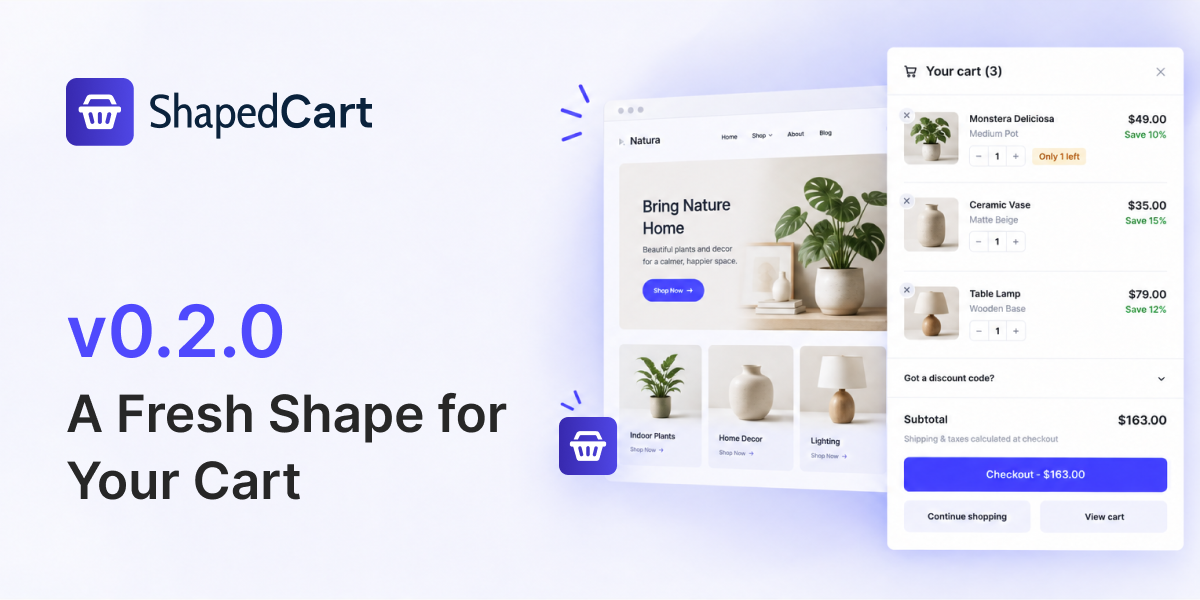
We have some incredibly exciting news to share with you. ShapedCart (formerly RenoCart) Version 0.2.0 is here, and it comes with a fresh new name and some helpful improvements. Let’s take a look at what’s new.
RenoCart is Now ShapedCart
The biggest change in this update is the name. RenoCart is now called ShapedCart. Don’t worry — it’s the same plugin you know and love, just with a new identity. When you update, all your settings carry over automatically. You don’t need to do anything.
New Feature: Show Custom Details
This is a great addition for store owners who use product add-on plugins. The new Show Custom Details option displays extra information under the product name in your cart. This includes data added by product add-on plugins such as Personalization, Gift message plugins, etc.
It uses the standard WooCommerce filter, so it works with most plugins out of the box. Even better, it matches how the WooCommerce Cart block looks. And if you have add-ons that only show their fields on the cart page, this feature works with those too.
Bug Fixes in This Update
We also fixed two bugs:
Variation Attributes Setting Ignored
Before this update, if you had the “Show Variation Attributes” setting turned on, it would sometimes stop working after the cart updated without a page reload. Now it works correctly every time.
Missing Separator Between Attributes
When showing variation attributes like Color and Size, they used to run together without a separator after a cart update. For example, you might see “RedLarge” instead of “Red / Large”. This is now fixed.
For Developers
If you’re a developer or someone who likes to customise things, here are two changes you should know about:
New Shortcode
The menu cart shortcode is now [shaped_cart_menu]. The old [reno_menu_cart] shortcode still works, so your existing setup won’t break.
Updated CSS Class Names
CSS classes, custom properties, and data attributes now use the shaped-cart prefix instead of reno-cart. For example:
.shaped-cart__panel(formerly.reno-cart__panel)--shaped-cart-accent(formerly--reno-cart-accent)
If you have any custom CSS targeting the old names, you’ll need to update it.
Get ShapedCart 0.2.0
Ready to try the new version? Update today and enjoy the new Show Custom Details feature, bug fixes, and the fresh ShapedCart name.
Leave a Reply