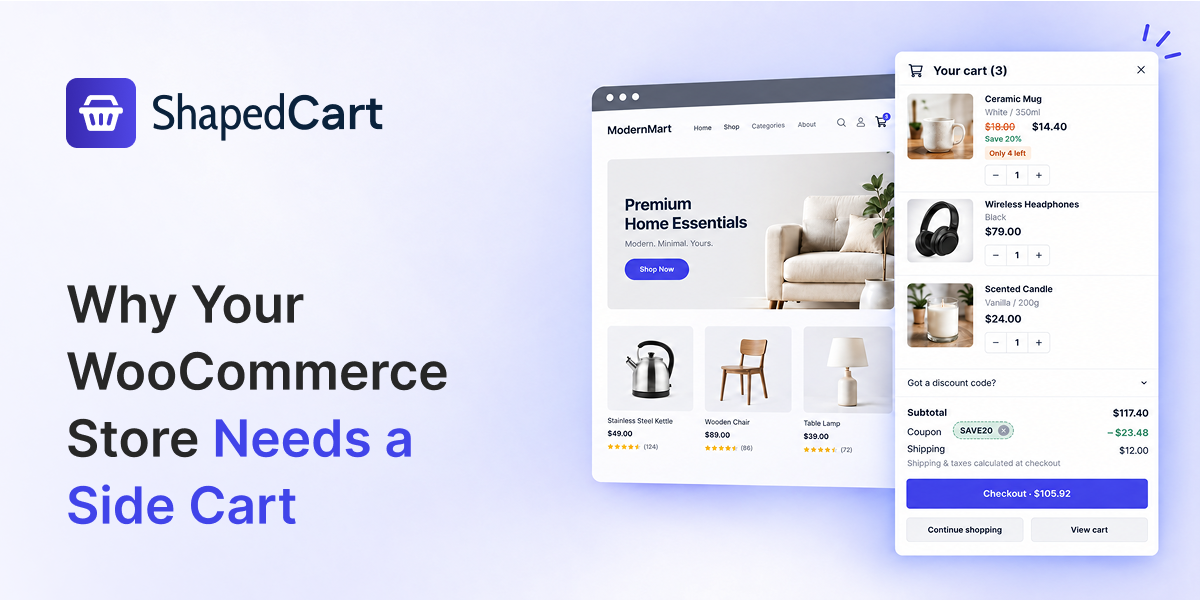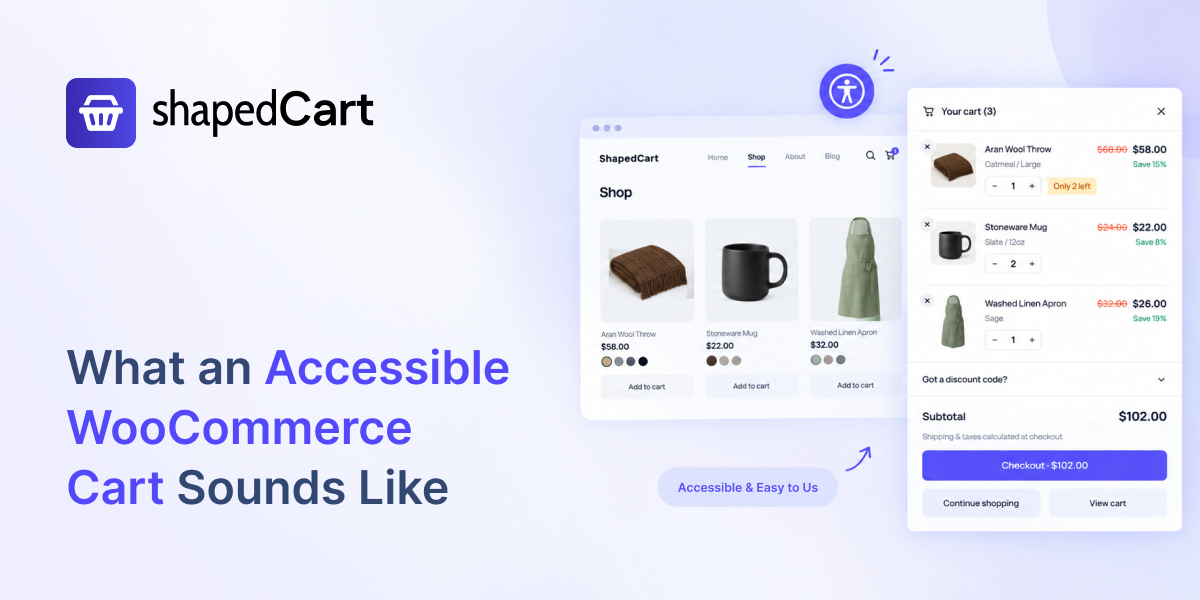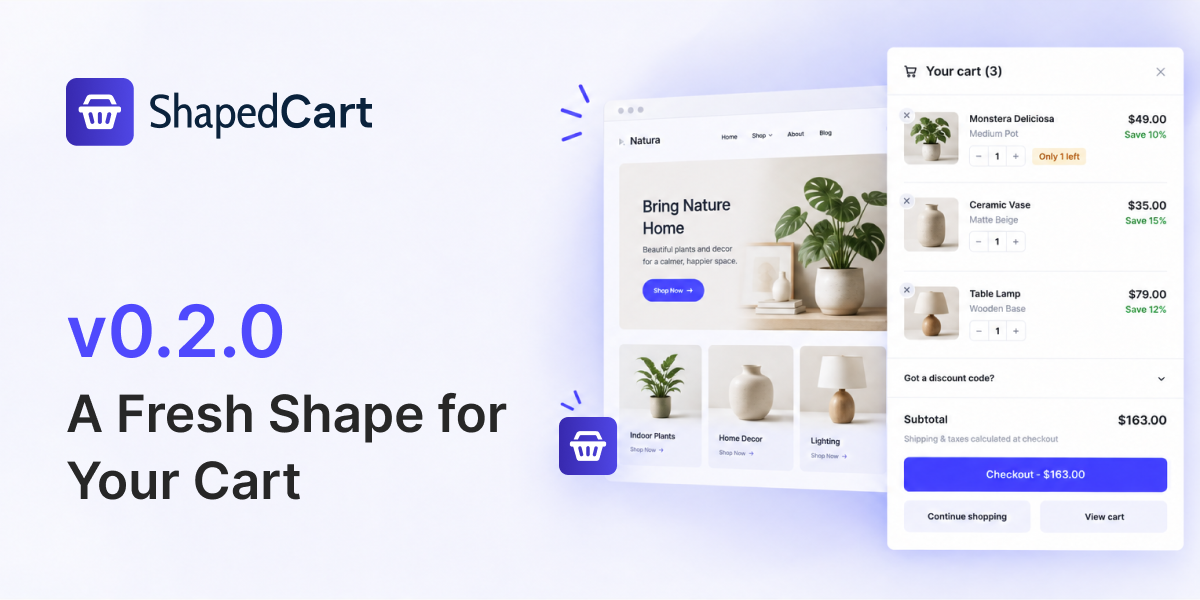
A Better Cart Experience, Built for Better Shopping
ShapedCart transforms your WooCommerce cart into a clean, flexible shopping experience that keeps customers engaged and moving toward checkout.
Everything They Need. Right Inside the Cart.
ShapedCart keeps the most important shopping actions in one convenient place —without forcing customers to leave the page.
No Page Loads. No Lost Shoppers.
The default cart moves shoppers through three pages. ShapedCart does it on one.
Default WooCommerce
3 Page loadsWith ShapedCart
1 Page loadsEverything Your Cart Needs, in One Plugin
Three cart surfaces, the details inside them, and rules for where each one appears.
Side Cart
Review items, change quantities and check out from a drawer that opens over the page. The surface your shoppers actually use.
Floating Cart
A persistent cart button in any corner, with a live item count.
Menu Cart
Put the cart in your navigation, with a live item count.
Smart Visibility
Show or hide the cart per page and per device.
Branding & Style
Pick a cart icon, then set colors, corner radius and spacing to match your storefront.
Coupon Field
Let shoppers apply a discount code without leaving the cart.
Live Savings
Show what they are saving, per item and in total.
Low-Stock Badge
Optional urgency when stock is running out.
Total & Checkout
Subtotal, shipping note and a checkout button that stays prominent.
Continue Shopping
One tap back to browsing, right where they left off.
Get ShapedCart Running in 3 Simple Steps
No templates to edit and no code to write — everything happens in the plugin panel.
Install
Install ShapedCart on your WooCommerce store.
 Activate
Customize
Configure your cart layout, behavior and visibility.
Launch
Save your settings and give shoppers a better cart experience.
Built by a Team WordPress Users Trust
Excellent customer service with fast responses. I have reached out several times to them with questions regarding modifications to their plugin and they have responded quickly and always provide an easy solution.
Their team is very knowledgeable and friendly.

Good wordpress products, their designs are modern and great to work with straight out of the box. Fantastic customer service.
The free version is a great starting point for most users…

The team was very responsive, began chatting within minutes with a team member. He was thorough, informative, and even arranged to follow up with me to make sure all was in working order. Really an example for how plugin companies should function. Highly recommended.

Frequently
Asked Questions
Still have questions? You can control everything from the plugin settings. And if you can’t find what you’re looking for, just ask us.

Is ShapedCart really free?

Yes. There is no Pro version, no premium add-on, and no feature locked behind a licence key. Everything in the settings screen is available to everyone.
What is the difference between a side cart, a cart drawer, a mini cart, and a floating cart?
A side cart, cart drawer, slide cart, sliding cart and off-canvas cart all describe the same panel that slides in from the edge of the screen. A mini cart is the compact cart summary — in ShapedCart, that’s the drawer itself. A floating cart is the sticky button in the corner that opens it. ShapedCart includes all of them, plus a menu cart trigger.
How do I add a slide cart to WooCommerce?
Install ShapedCart, open ShapedCart → Slide Cart, and save. The cart drawer opens on add-to-cart straight away. No shortcodes, no theme edits, no code.
Does ShapedCart replace the WooCommerce cart page?
ShapedCart layers a cart drawer over your store so most shoppers never need the cart page. The default WooCommerce cart page stays in place for compatibility, and you can keep a “View cart” button in the drawer for anyone who prefers it.
How do I add a floating cart button to WooCommerce?
Go to ShapedCart → Triggers and turn on Floating Cart. Choose the position, adjust the offset, and set which devices and pages it appears on.
Can I put a mini cart in my navigation menu?
Yes. Enable Menu Cart under Triggers to make your theme’s menu cart icon open the ShapedCart drawer instead of loading the cart page.
Will ShapedCart slow down my store?
No. ShapedCart is deliberately lightweight and loads its assets only where they’re needed.
Does the side cart work on mobile?
Yes. The cart drawer and floating cart are built mobile-first, and the admin preview includes a mobile view so you can check your settings on both.
Can I translate ShapedCart?
Yes. All strings are translatable and compatible with WPML, Polylang, TranslatePress and Loco Translate. Every label in the cart — headings, buttons, notes, empty state text — can also be edited directly in the settings.